01
Scan the vehicle QR
Open the camera and scan the QR displayed on the vehicle windshield.
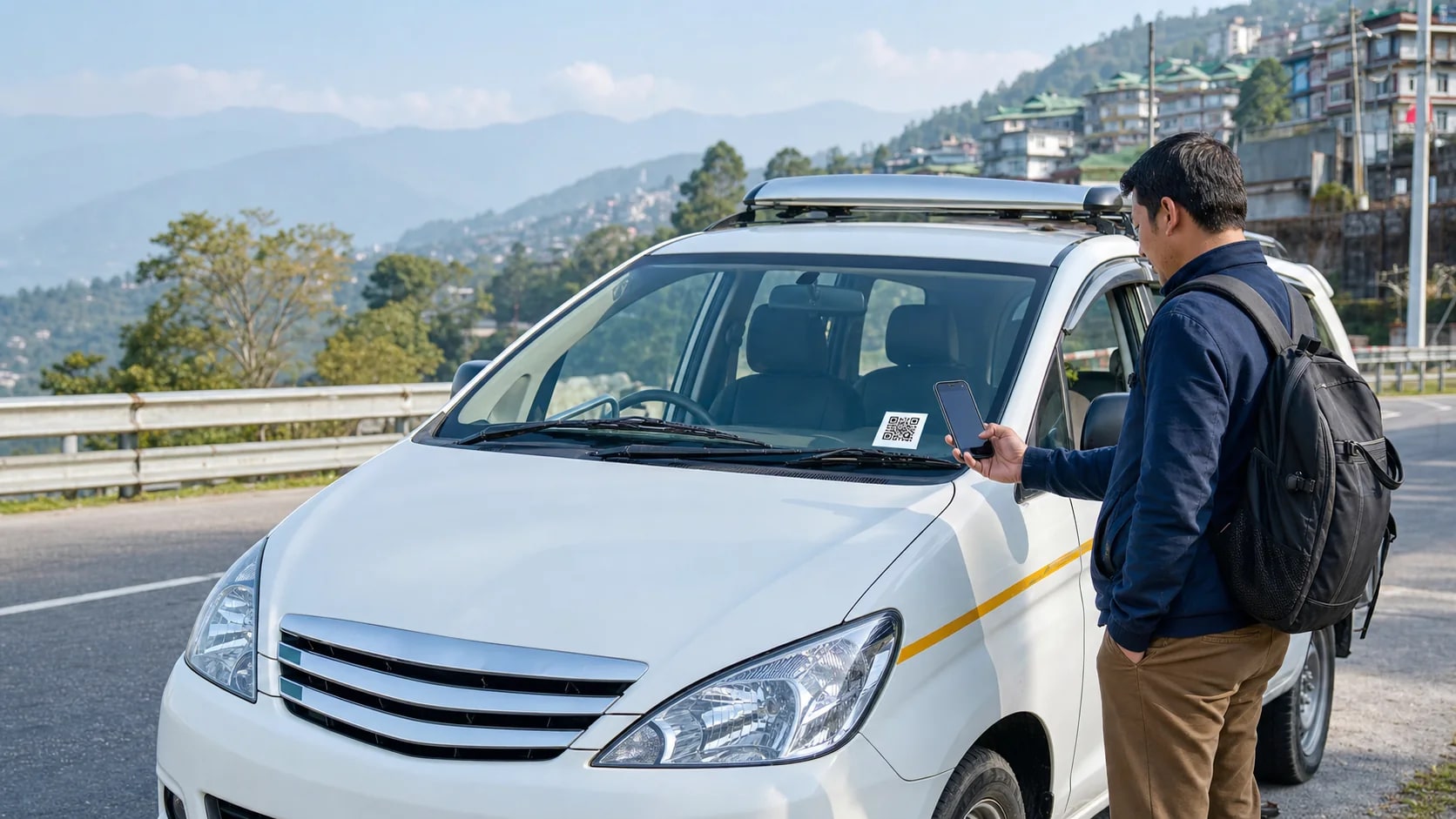
Vehicle verification for every journey
Verify your vehicle. Register your journey.
Scan the QR displayed on your vehicle, confirm its current details and register everyone travelling with you.
Passenger journey
One vehicle QR opens the correct journey page. No app installation, account or OTP is required.
Open the camera and scan the QR displayed on the vehicle windshield.
Check the registration and current driver before entering your journey details.
Add passenger count, journey from and journey to, then submit your consent.
On your phone
The passenger page confirms the vehicle first, then keeps the form short enough to complete beside the vehicle.
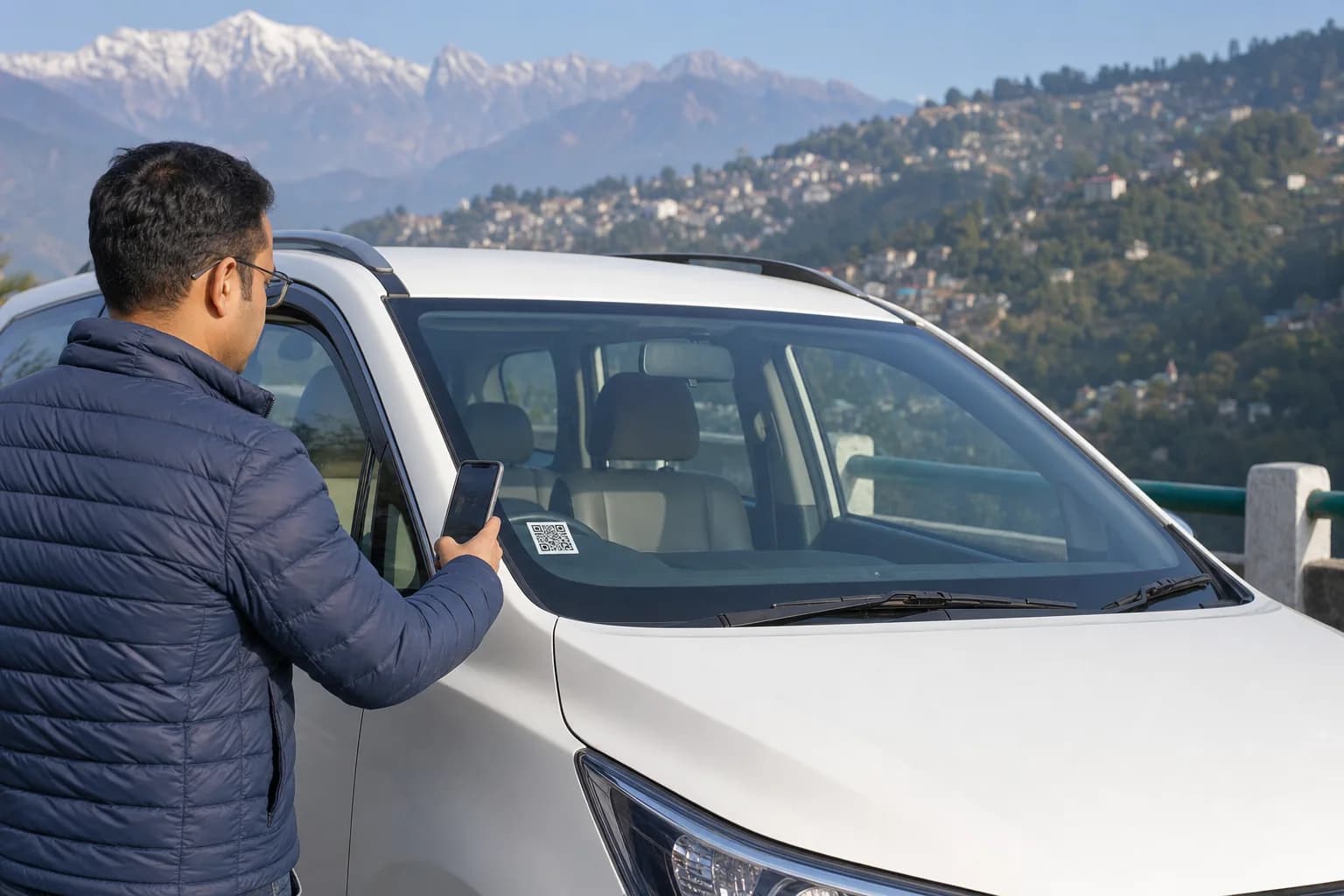
One vehicle, one QR
A printed QR belongs to the registered vehicle. When its assigned driver or document status changes, the same QR opens the updated information.
Every passenger type
Choose the passenger type and passenger count that match the people travelling together.
Register the people travelling with you before the vehicle begins the journey.
Use the same vehicle QR for local journeys without creating a passenger account.
Record a regular or one-time commute against the vehicle being used that day.
Register a family together, while independent passengers submit separate entries.
A shared vehicle can hold multiple independent passenger entries for the same journey.
Safety, support and service
Clear support options for passengers, drivers and registered vehicles across Sikkim.
Contact the helpdesk for available breakdown and vehicle recovery guidance.
Use official emergency services first; the helpdesk can assist with journey information.
Travel support and vehicle-linked journey assistance for visitors in Sikkim.
One contact point for QR scanning, ride registration and vehicle record queries.
Quick answers
No. Scan the registered vehicle QR and submit the journey details directly without creating a passenger account.
The form asks for passenger name, passenger type, passenger count, journey from, journey to, journey date and consent. A mobile number is optional.
The QR remains with the vehicle. The verification page reflects the driver currently assigned to that vehicle.
A family may register together as one group. Unrelated passengers in the same vehicle should submit separate entries with their own passenger counts.
Enter the vehicle registration number shown with the windshield QR to continue manually.
A confirmation is created for the submitted journey and linked to the registered vehicle record.
Contact official emergency services first when there is immediate danger. The Sarathi Suvidha helpdesk can assist with vehicle and journey record questions but does not replace emergency responders.
Need assistance?
For ride registration, vehicle QR assistance or travel support, contact the Sarathi Suvidha helpdesk.
In immediate danger, contact official emergency services directly.